
Macon County Civil Docket Searches
Every Macon civil docket search starts at the North Carolina eCourts Portal. Open Smart Search. Set Location to Macon through the Advanced Filtering Options. Published categories cover Civil Actions, nonconfidential Special Proceedings, and Estates. Click a public result to open the Case Summary or Register of Actions. That is the online view. It is not a certified clerk copy.
Use a complete Macon case number whenever you have one. A party name works too. Narrow it from there with case type, case status, or a filing-date range. NC Judgment Search indexes public Macon judgments by party or case number. Only Smart Search reaches the full Case Summary. For a combined name-and-number workflow, the Macon docket search route is the companion reference.
- Open Portal Smart Search and enter the Macon case number or a party name.
- Set Location to Macon, then add a civil, estate, or nonconfidential special-proceeding filter only when it helps.
- Open the public Case Summary and separate Case Events from Hearings, Dispositions, and public Documents.
- Use Search Hearings when the question is the current Macon date, time, or location.
- Call the civil or estates desk, or inspect the Macon file through the public terminal, when Portal does not answer the record question.
Macon Civil Portal Filters
Narrow a Macon civil docket search only as far as your known information supports. Location is the county filter you start with. Party Search Criteria accepts a name and date of birth. Case Search Criteria adds case type, case status, and a filing-date range. The AOC does not publish every live selector value. Let the Portal's current choices control instead of a copied list of assumed Macon options.
A Macon civil number follows the Enterprise Justice structure. It has a two-digit year, case-type letters, a six-digit sequence, a dash, and a county identifier. The Macon county code is 550. Copy the number exactly as it appears on the notice or filed paper. The public source confirms the format itself. It does not supply a Macon caption, a date, or a case-type letter. It also lacks a case-specific document button.
No account is needed to search public Macon records. Registering only adds saved cases; it does not widen ordinary public access. File & Serve is a separate system for eligible filers. It is not the public civil docket. Note: Portal filters narrow results, but a saved-case account grants no expanded public-record access.
Civil Dockets: What They Show
A public, nonrestricted Macon civil Case Summary can hold Case Information, Assignment Information, Party Information, Causes of Action, Case Events, Dispositions, Hearings, Financial Information where it applies, and public Documents. Each field does a different job. Case Events give the chronology. Hearings cover settings. Dispositions record the outcome information, and Portal access still does not promise that every field or document appears in every civil matter.
| Case and assignment information | Published identifiers and assignment-level information for the Macon civil case. |
|---|---|
| Party information | Public party information, with access and masking rules still in force. |
| Causes of action | Listed for applicable civil, family, probate, or mental-health matters, not promised for every category. |
| Case events | The chronological Macon docket history of public recorded activity. |
| Hearings and dispositions | Separate setting and outcome components. Confirm a current setting in Search Hearings. |
| Financials and documents | Displayed only when applicable and public; neither is a certified balance or clerk-certified original. |
Public dates of birth are masked. Confidential material stays hidden from ordinary Portal users, and viewing a document online is not the same as holding the certified record. When an official copy is needed, or a court-filed document seems missing, the Macon clerk is the right source.
Macon Civil Court Split
Macon civil dockets divide by jurisdiction, not by clerk office. Superior Court District 43A takes general civil actions above $25,000. It also hears appeals and designated matters. District Court District 43 handles general civil actions at or below $25,000, plus family matters. Magistrates hear the small-claims piece of District Court. The clerk handles estates and nonconfidential special proceedings through the same county courthouse system.
| Macon venue | Civil docket scope | Search or clerk route |
|---|---|---|
| Superior Court 43A | General civil actions above $25,000 and certain designated matters | Portal Smart Search and the Macon Clerk |
| District Court 43 | General civil actions at or below $25,000 and family matters | Portal, Search Hearings, and the civil desk |
| Magistrate small claims | Small claims and assigned matters | Portal or clerk, with the magistrate as a District Court officer |
| Clerk proceedings | Estates and nonconfidential special proceedings | Portal Estates/Special Proceedings filters and the estates desk |
The state sets a small-claims range that can run from $5,000 to $10,000. A local order picks the exact figure. Macon does not publish its current cap in official local material. Do not assume the top of the range applies. The Macon clerk can confirm the correct amount. Note: Confirm the Macon small-claims cap with the clerk before you rely on it.
What Cases Fill the Civil Docket
What fills a Macon civil docket depends on the division and the case's public status. The Portal lists civil actions, estates, and nonconfidential special proceedings as searchable categories. Family, probate, and mental-health matters can show Causes of Action in a Case Summary. But confidentiality rules may limit the online result or the documents displayed. The public view may narrow. The clerk still keeps the Macon file across all these categories.
A basic reading path runs through any civil docket. The path runs complaint or petition, service or summons, responsive pleading, motions and notices, hearing or calendar entries, judgment or order, then post-judgment activity. That is the usual court-file sequence. It is not a promise. Not every Macon case contains every event or a public image of every filing.
For the small-claims side of a Macon civil matter, the North Carolina small-claims guidance lays out how the magistrate process works. It explains filing steps, court costs, and hearings. That route stays part of the Macon District Court and clerk system.
Official small-claims material explains the procedure in general terms. For a single Macon matter, the case number, the Case Summary, the clerk, and any court notice control the actual record.
Macon Civil Motion Calendars
A Macon civil calendar can list a Superior Court District 43A session that reaches beyond the county. The label changes nothing. Macon still holds the court file. Under the local administrative order, civil motions are preferably heard after criminal matters in the session. A motion heard outside the county of filing generally needs senior-resident-judge permission unless an emergency is found. That explains the regional label.
The official Macon civil-calendar route shows live session listings for county civil matters. Treat it as a separate tool from the Case Summary. Use the calendar for session context. Use Search Hearings for the current setting.
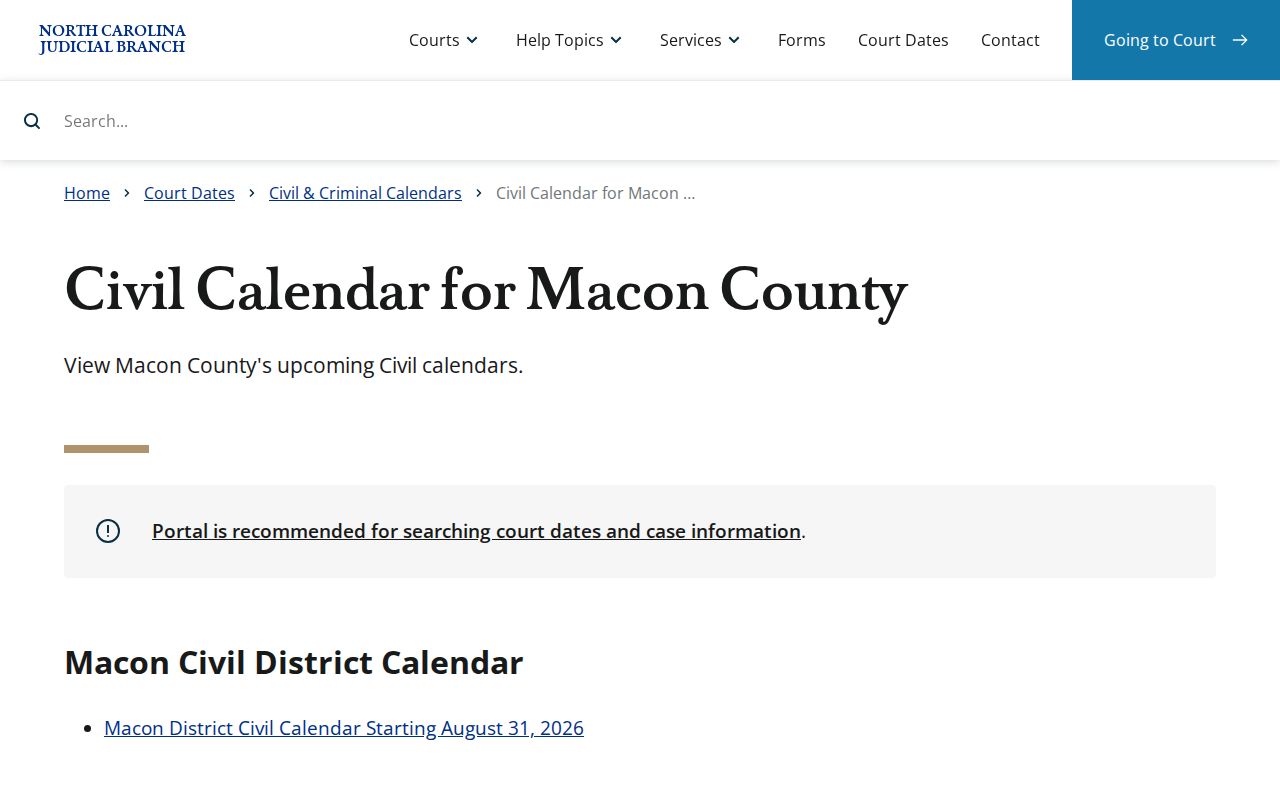
The official Macon civil-calendar page shows live session listings. A listed time is not final. Nor does the calendar fix the order a motion will be reached, or show that a file moved out of Macon.
Hearings on the Civil Docket
Check any Macon civil hearing twice. Open the Case Summary first. Then confirm the setting in Portal Search Hearings. Search Hearings is built for current calendar information and can search by case number, party name, business name, attorney name, attorney bar number, judicial officer, or courtroom. An older Macon Case Event offers context. It is not proof of the current setting.
If a Macon civil date changes, compare Search Hearings with the Macon Civil Calendar before anything else. Still unclear on the date, courtroom, reset status, or attendance format? Contact the Macon civil desk from there. The full local process is on the Macon court schedule page. Portal does not state whether a Macon hearing is virtual or in person, though an outside link may be supplied for a virtual proceeding.
Macon civil motion scheduling can reflect criminal-first administrative priorities, so confirm the current hearing rather than inferring it from a session document.
Macon Civil Arbitration Rule
District 43 arbitration rules take effect April 1, 2026. They create nonbinding arbitration for many qualifying civil cases filed or appealed from magistrate court on or after that date. The exclusions are broad. The rule leaves out summary ejectment and other magistrate matters, injunctions, domestic and family cases, title-to-land disputes, estates, wills, special proceedings, class actions, and tax foreclosures. Read any arbitration event on a Macon civil docket with those limits in mind.
Nonbinding does not mean the award ends the case. A party has a 30-day window to request trial de novo after the award. Eligibility, filing date, and the record in the individual Macon case still control. No calendar entry overrides them. A Portal event alone cannot stretch the published rule.
Who Can See Civil Dockets
Public access to Macon civil dockets runs through Portal and the clerk office. Sealing, confidentiality, and redaction laws still apply. G.S. 7A-109 requires clerks to maintain dockets, files, and indexes, and it generally allows public inspection during regular office hours unless law prohibits access. The clerk keeps the official record. Portal is only a convenient public view of it.
G.S. 132-1.10 addresses protected identifiers and offers a route to request removal of certain identifiers from a public court-web image. Access narrows where a Macon record is sealed, confidential by statute, or holds protected identifying or financial information. That can hide details from view. A document missing online may be restricted, nonpublic, or simply absent from the viewer. The clerk can explain which reason applies.
Access boundary: Portal can display public Macon civil material, but confidential portions remain outside ordinary access. The clerk can identify the court-controlled route for a specific file. An NCAOC public-record request is not the request channel for a Macon case document because NCAOC is not the file custodian.
Macon Civil Clerk Records
The Macon civil desk takes civil-file questions directly. Estates and special proceedings have their own desk. The courthouse offers another path too. At the Macon County Courthouse, public terminals and clerk-file inspection fill gaps that Portal leaves open. Before requesting a plain copy, a certificate under seal, or an exemplification, confirm what the file supports and how the desk will process the request.
Macon Civil Clerk
Clerk of Superior Court
5 W Main St
Franklin, NC 28734
Civil: (828) 349-7203
Main clerk: (828) 349-7200
Estates and Special Proceedings
Macon County Clerk of Superior Court
Portal filter and clerk-file route for related public matters
(828) 349-7204
Macon copy fees come from G.S. 7A-308. A clerk-prepared copy costs $2 for the first page of each document, then $0.25 for each additional page or fraction. A certificate under seal is $3. An exemplification is $10. The Macon clerk publishes no civil copy-request form and no set email process or turnaround period. So confirm the handling of your request with the clerk directly. Ask about timing when you order.