
How the Macon County Court Calendar Works
Macon County spreads its court-date information across several tools. A Case Summary in the North Carolina eCourts Portal lists Hearings and Case Events for a public file. Portal Search Hearings handles the current calendar. The Macon courthouse site adds direct Civil Calendar and Criminal Calendar links. Local administrative-schedule documents sit there too. Each one answers a different question about a Macon County court docket.
The Case Summary is where case history lives. Search Hearings is the current-setting check. A civil or criminal Macon calendar adds session context, though it will not tell you your call time, your attendance format, or how a case ends. When these sources disagree, the Macon clerk and the courtroom itself are the way to settle it.
Macon Court Date Check
A solid Macon date check moves through three stops. The stops are the case record, the current hearing search, and the clerk. Begin with whatever identifies your matter, whether that is a case number, a citation, a summons, or a recent notice. Pull up the Macon Case Summary first. Then run Search Hearings for the present setting. Compare that result against the local Civil Calendar or Criminal Calendar when session context matters.
Order matters here. An old Macon event in the history can carry a date that no longer applies, while Search Hearings exists to surface the current calendar. A seasonal schedule hints at an upcoming session window but never replaces the specific case setting. If you still need a party or number search before checking dates, the Macon docket search route helps.
Note: a Macon setting can change after a calendar posts. So trust the current hearing result and clerk confirmation for anything close.
Macon County Court Date Lookups
Use every documented channel. Do not lean on one screen. Portal Smart Search opens the public Case Summary for a Macon County case lookup. Search Hearings covers current settings. The official Macon Civil and Criminal Calendars add the local calendar route. If online results come up thin, the Macon clerk can pull the file. The courthouse counter and public terminal offer in-person access.
- Read the Macon notice, citation, summons, or last court notice for the printed date and case or citation number.
- Search Portal Smart Search for the public Case Summary and review Hearings with the newest Case Events.
- Run Search Hearings with the case number, party, business, attorney, judicial officer, or courtroom option and a date range.
- Open the Macon Civil Calendar or Criminal Calendar and the local schedules page for session context.
- Call Criminal at (828) 349-7202, Civil at (828) 349-7203, or the main clerk at (828) 349-7200 if the date, courtroom, reset status, or appearance format is unclear.
- Use the Macon courthouse counter, public terminal, or local paper file when the web result remains incomplete or the file has an access limit.
The Macon County Courthouse and the Clerk of Superior Court share an address. It is 5 W Main St, Franklin, NC 28734. The Macon clerk system keeps local files for both trial divisions. A public terminal is an official statewide clerk-office access channel. The office posts no terminal location or count, though. So ask at the counter instead of hunting for a room number.
Macon Search Hearings Fields
Portal Search Hearings asks for a Location, a Hearing Type, a Search Type, and a search value. It wants both a Date From and Date To. For a Macon court schedule, set the location to Macon. The published Search Type choices are Case Number, Party Name, Business Name, Attorney Name, Attorney Bar Number, Judicial Officer, and Courtroom. Hearing-type choices shift with location and system data. Treat any Macon list you see as changeable rather than fixed.
| Search Hearings field | Macon use | Published limit |
|---|---|---|
| Location | Select Macon to focus the court-date search. | It is required for the county-focused route. |
| Hearing Type | Choose a current live option if it helps narrow a Macon result. | The researched materials do not publish a closed option list. |
| Search Type and value | Use case, party, attorney, judicial officer, or courtroom information. | Use the selected live format rather than an assumed Macon code. |
| Date From and Date To | Set the Macon date range for the hearing search. | Both are required by the published field capture. |
You can sort Search Hearings results through the column headers. The tool returns current Macon court-calendar locations and times. What it will not do is label a setting as virtual or in person. An outside link may appear for a virtual appearance. A missing link does not prove you must appear in person.
Note: Search Hearings never identifies the appearance format for a Macon hearing. Confirm that detail with the court directly.
Court Settings: What Each Field Means
A Macon court setting is one scheduled court event, not the whole docket. The Case Summary can show hearings inside the event history. Search Hearings zeroes in on the current calendar. Read any setting alongside the Macon case number and the latest notice. A field may be missing from the public result. Ask the clerk or the courtroom to confirm it.
| Date | The Macon calendar date for the current setting. A historic Case Event can show an earlier date. |
|---|---|
| Time | The current hearing time returned by Search Hearings when public. It is not a promised personal call time. |
| Courtroom or location | The current hearing location when shown. Courtroom can also be used as a Search Hearings criterion. |
| Judge or judicial officer | A Search Hearings criterion and a detail to confirm from current case information or the clerk, not an assignment to infer. |
| Setting type | The current hearing classification selected in the live system. Use the displayed value rather than an invented local code. |
A courtroom number is not a Macon case number. The case number identifies the file itself. The courtroom can serve as a setting-search value or simply mark the place. A Macon hearing may also carry a calendar label for traffic, domestic relations, equitable distribution, or another session function.
Macon Civil and Criminal Calendars
The Macon Civil Calendar and Criminal Calendar are two separate official routes. Use the civil calendar for civil session context. Use the criminal calendar for criminal session context. Both work alongside the Portal rather than in place of it. The live pages run on JavaScript. The court publishes no fixed filter sequence, daily update time, or printed-call-list routine for them. None of that can be promised here.
The Macon local administrative schedules page links the local calendar routes and seasonal District Court schedules. The official page displays them directly. Read Macon calendar material with its effective date in mind. Current labels are District 43 and Superior Court District 43A. Older local PDFs can carry prior district labels.
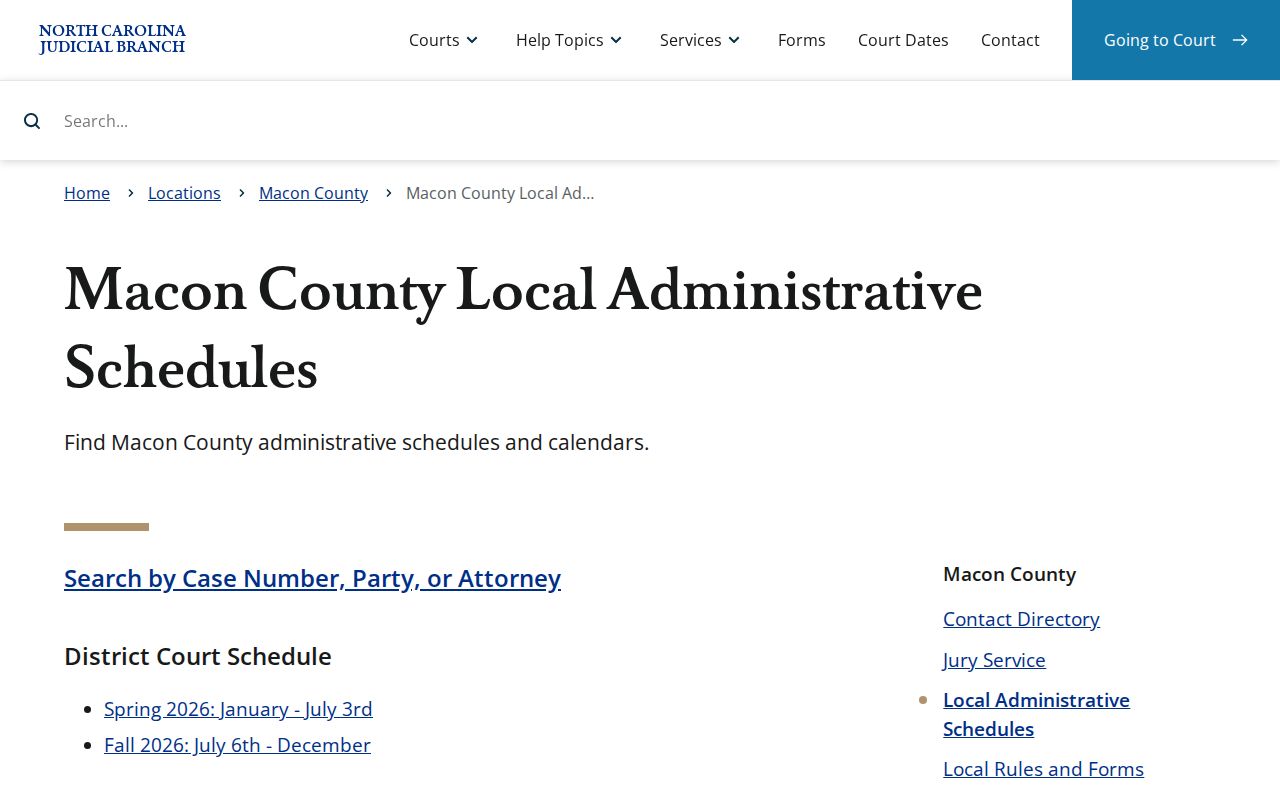
The official Macon calendar page shows the session layout for the county. It helps you find where a court docket sits. It does not say what will happen on any given day. Dates, hearing types, and courtroom assignments come from the record itself, not the schedule sheet.
A Macon calendar link gives you official session context. For a real case date, you still need the Case Summary or the hearing result.
When a Court Date Moves
Macon court dates shift for several reasons. A continuance can move a setting. So can a reset, a cancellation, or a changed administrative session. The local rules page links a Superior Court administrative order on continuance policy. It spells out no filing deadline or application steps. Follow the current court instructions rather than any assumed process.
For a Macon reset, start with the newest Macon Case Events. Then run Search Hearings. The calendar adds context, but the clerk or the courtroom settles a conflict. Civil motions are heard after criminal matters in the relevant administrative session. That reshuffles the order of a session without touching the county file.
Old converted entries pose one more trap. Macon joined eCourts in 2024, and converted events sometimes display a 12:00 a.m. time. Treat that as a conversion artifact. Confirm the true hearing time with the file, the current calendar, or the clerk.
Macon Court Calendar Terms
Macon schedule labels describe what a calendar block is for. They say nothing about how any case ends. The published District Court schedule uses codes. T stands for traffic, MTV for minor traffic violations, DR for domestic relations, ED for equitable distribution, and RC for Recovery Court. A label is just a category. It does not set program eligibility, name participants, or produce a public case result.
- Administrative session
- A scheduled Superior Court 43A session for designated civil or criminal administrative matters.
- Continuance
- A postponement of a Macon court event that needs current confirmation in the case record or clerk channel.
- Holdover
- A criminal matter carried into later available time. The 43A order reserves some Friday time when needed.
- Hearing
- A scheduled Macon court event whose current location and time can be searched in Portal.
Note: A Macon calendar abbreviation gives session context only. It is not an event code and no substitute for the Case Summary on your docket.
Missed Settings and What Comes Next
Miss a Macon setting, and the first move is confirming what the record shows now. Run Search Hearings and open the Case Summary. Then call the criminal or civil desk that handles the matter. The clerk can point you to the right public record route and its current status. The clerk cannot give legal advice. A calendar entry that looks open may not be open. A new setting is never automatic. Check before assuming anything.
Missed traffic setting: A Macon motor-vehicle case may be marked called and failed. Under the state process, a failure to appear may be reported after 20 days without appearance or disposition, and a failure to pay may be reported after 40 days. An order for arrest or bond forfeiture can arise in some cases. Contact the Macon criminal clerk promptly and seek legal advice for a case-specific response.
The direct Macon numbers are Criminal at (828) 349-7202, Civil at (828) 349-7203, and the main clerk at (828) 349-7200. When the online record comes up short, the courthouse counter and the public terminal still work. Bring a court notice, citation, or current case number so the clerk can pull the right Macon file fast.
Macon District Court Calendar Calls
Current Macon District Court criminal rules include a few timing details. Sessions begin at 9:30 a.m. Courtroom doors open no later than 8:45 a.m. There is no District Court calendar call. Those rules explain how a session runs, but they cannot promise when any one case will be reached on a Macon docket.
Courts and judges call cases in varying orders. When order matters, the Portal FAQ suggests working with the courtroom clerk. Check your specific Macon setting through Search Hearings, the calendar, and the clerk. That beats treating a date as a personal appointment time.
The Portal training and resources page covers the public Portal tools behind a Macon date check. The official page shows the statewide search layer that now supports Macon court schedule access.
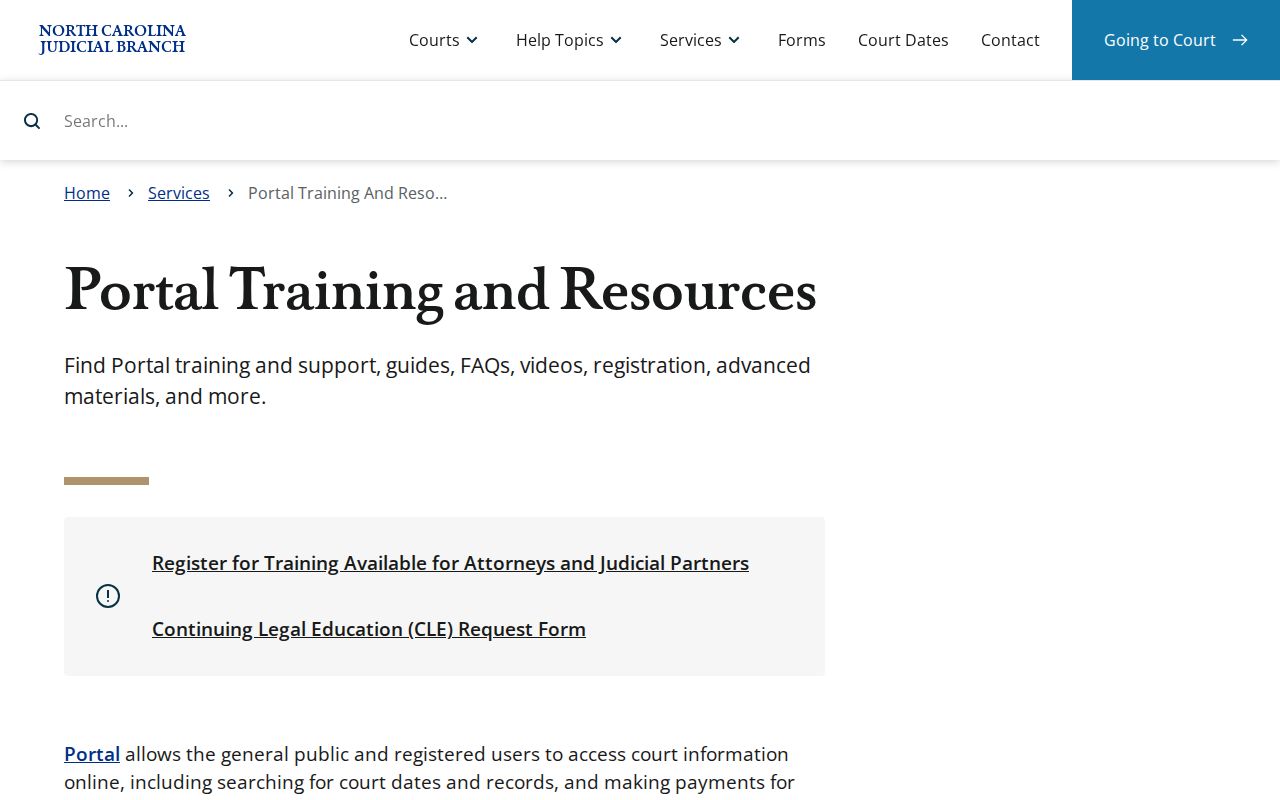
Search Hearings is a current-calendar tool, as the Portal resource confirms. It does not answer whether a Macon hearing is virtual or in person. That is a separate question.
Note: A Macon calendar date is not a personal call time. Courtroom case order can vary during a session.