
Name-Based Case Searches
North Carolina runs its public searching through the North Carolina eCourts Portal, and that is Macon County's online route too. Pick Smart Search. Type a name in the documented Last, First form. No account is needed for anonymous Macon County public searching. Registering lets you save cases under My Cases, but it grants no extra public-record access. So begin with the basic case-number or party-name workflow. Do not assume every advanced field broadens a result.
Got a common name in Macon County? Open Advanced Filtering Options and set Location to Macon. From there, filter by case type, status, or a filing-date range to tighten the Macon County case search. The separate advanced Party Name control has its own limits. The AOC warns it does not support wildcards. On the basic side, a last-name wildcard needs at least three characters before the asterisk. A first-name wildcard needs at least one character before the asterisk.
- Open the Portal from the Macon County courts landing page and select Smart Search.
- Enter the person or business name. For a person, use Last, First.
- Open Advanced Filtering Options and choose Macon as the location when a statewide result is too broad.
- Use case type, status, or filing dates only when they help identify the Macon court case.
- Open a public result to read its Case Summary, also called its Register of Actions.
| Portal field | Type | Required | Macon search use |
|---|---|---|---|
| Record Number or Name | Text | One value | Basic Smart Search entry; names use Last, First. |
| Location | Selector | Optional | Select Macon to narrow a statewide result. |
| Filter by Search Type | Selector | Optional | Includes case number, party, business, citation, attorney, bar number, cross-reference, and nickname. |
| Case type and status | Selectors | Optional | Published categories include civil, criminal, infraction, estates, and nonconfidential special proceedings. |
| Case filing date range | Date fields | Optional | Use only after the Macon name search is too broad. |
Macon Case Search Smart Search
Smart Search is where a Macon County docket search produces a public Case Summary. The Portal itself is statewide. Macon County joined the eCourts/Odyssey rollout in 2024. It runs the same Enterprise Justice system as other North Carolina counties. From a Macon result you can reach Case Information, Assignment Information, Party Information, Case Events, and Hearings. Dispositions and Financial Information appear where applicable.
One limit matters: a Macon Portal search cannot search by criminal charge. Use a case number, a permitted name route, or a citation number. The Portal may return up to 200 results. That cap makes the Macon location filter a smart first move. Current AOC materials also note CAPTCHA and browser interruptions. If a session fails, retry in a supported browser or go through the Macon clerk. Do not assume a Macon case vanished; it usually did not.
Official Portal training and resources walk through the Smart Search, hearing-search, payment, and judgment-search functions. Macon court records rely on them.
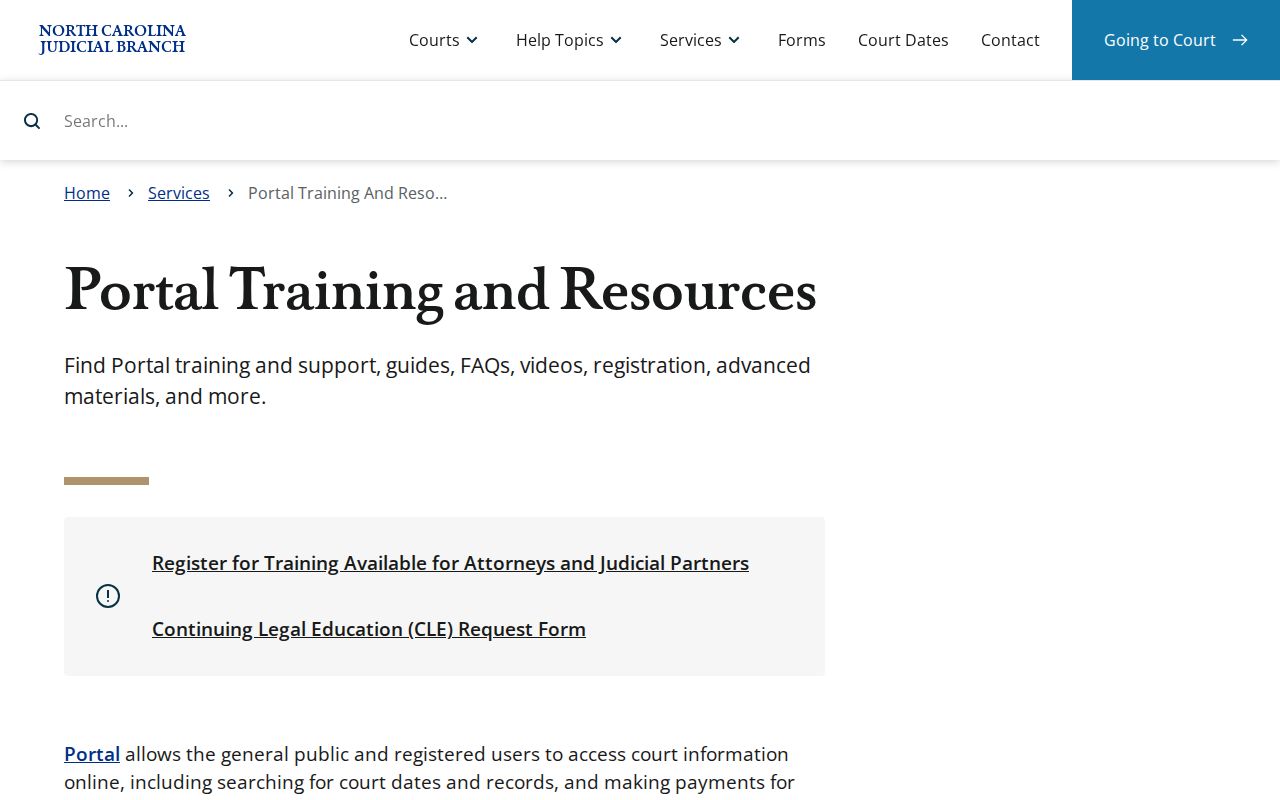
The training materials favor using the live Portal controls for a Macon case search over trusting an outdated screen label or result limit. A label can lag behind the system itself. Results also can be incomplete. That happens when a file is restricted, newly entered, or converted from an earlier system. Treat an empty or odd result as a prompt to refine, not as the last word on the case.
Case Number Searches
An exact number is usually the cleanest Macon County docket search. Macon Enterprise Justice numbers follow a fixed pattern: a two-digit year, case-type letters, a six-digit sequence, a dash, then a three-digit county identifier. Macon's identifier is 550. A neutral criminal format looks like YYCR######-550. An infraction-only format looks like YYIF######-550. Neither is a real case.
Copy the existing Macon County number exactly, dash and county suffix included. A case-number wildcard needs at least four characters before the asterisk. Holding only a citation? Try Citation Services or the citation search type first, then Smart Search once a Macon County court case has been entered. Even a brief public view ties the number to the Macon County clerk's file.
Macon Docket Search Suffixes
That trailing -550 is not a courtroom or an outcome. It is simply Macon County's published Enterprise Justice county suffix. The letters before the sequence mark the case category in the statewide numbering system. The opening two digits mark the year. The Judicial Branch's county-code list is the source for the Macon identifier.
Format alone is no shortcut. It does not get around Macon County Portal filters. A Macon County case search still depends on a public result coming back. If a number returns nothing, check every character. Confirm the court division with the clerk. Ask whether the material is restricted or still needs a clerk-side lookup.
Macon Case Search Wildcard Limits
Wildcards help a Macon County case search. Use them when the full name or number is unknown. The Macon Portal publishes minimum character counts, though. A case-number wildcard needs at least four characters plus an asterisk. A last-name wildcard needs at least three plus the asterisk. A first-name wildcard needs just one. These limits govern the documented basic search, not the separate advanced Party Name filter.
Set the Macon location control first. Do this before widening a partial search. A broad statewide sweep can hit the Portal's result limit fast. Is the information too thin to tell results apart? The clerk can then explain the court-file search route without interpreting the case.
Case Search Results Explained
Open a Macon result. You land on the Case Summary, also called the Register of Actions. Think of it as a running account of the court file. It is not the clerk-certified original. Read the Case Events in order to follow the case. Turn to the separate Hearings section when you need a date or a room. Some public documents can be viewed or printed without a Portal fee. That depends on the case's public-access status.
| Case and assignment information | Identifying and assignment-level information for the Macon court file. |
|---|---|
| Party information | Public party information, subject to restrictions; victims are not returned in Portal searches. |
| Causes of action | Shown for applicable civil, family, probate, and mental-health matters, not promised for every case. |
| Case events and hearings | Chronology and settings. Use Search Hearings for the current calendar rather than an old event line. |
| Dispositions and financial information | Outcome information and financial data where applicable, not a certified balance statement. |
| Documents | Only public documents appear to ordinary users; a document view is not a certified copy. |
Watch for a quirk in older records. An event converted from the pre-Odyssey system can carry a 12:00 a.m. timestamp. That time is an artifact of conversion, not the real Macon County hearing time. For a current setting, run Search Hearings. Confirm the format with the clerk or courtroom if you cannot tell whether to appear remotely.
Macon Case Search Hearings
Search Hearings is the right tool for one job. Use it when a Macon County docket search is really about the next court date, not the file history. It pulls current Macon calendar data by case number, party or business name, attorney, bar number, judicial officer, or courtroom. Pick Macon from the county list. Set the date range to the current period. Choose hearing types from the live menu rather than a list copied from an old screen.
The Macon County court page also links to the official Civil Calendar and Criminal Calendar. These calendars add session context for Macon County. Still, a specific result or a clerk's confirmation governs any particular setting. Search Hearings does not flag whether an appearance is virtual or in person. Call before assuming you can appear remotely.
Two Ways to Search: County and State
Macon has no county-built docket database of its own. The eCourts Portal serves the whole state, and its Macon location filter turns it into the county-focused option. The Portal cannot do everything. For the rest, the Macon Clerk of Superior Court is the local source. The clerk's office offers a public terminal, paper-file inspection, certified copies, and answers to case questions.
| Route | What it covers | Best use |
|---|---|---|
| Portal Smart Search | Public statewide case results, including Macon when filtered. | Finding a case by number, party, citation, or other published search type. |
| Portal Search Hearings | Current hearing/calendar information. | Checking the present setting rather than reading an old docket event. |
| Macon Clerk and public terminal | Local case file and public in-person access. | Restricted, incomplete, paper, certified, or case-specific record questions. |
Macon Case Search No Results
An empty Portal result does not prove a Macon court file is missing. The name may be spelled or formatted differently in the system. A citation can take 24 to 48 hours to appear. Access may be restricted. An older Macon record may predate the Portal, or the case may simply need clerk confirmation. Have an exact case number? Search with it again. For a current date, try Search Hearings rather than trusting an older result.
You can also call. Try the Macon Criminal Clerk at (828) 349-7202, Civil at (828) 349-7203, Estates and Special Proceedings at (828) 349-7204, or the main clerk at (828) 349-7200. The Macon County Courthouse keeps the clerk-office and public-terminal route too. Ask where the record stands. It may be restricted, not yet entered, converted from a legacy system, or sitting at the counter.
Macon Case Search and Filing
Searching and filing are two different Macon court functions. The Portal is the public interface for court records. North Carolina eCourts File & Serve is the electronic filing system, built for authorized filers rather than the public docket. A filing account does not replace Portal Smart Search. Likewise, an ordinary public Portal account grants no elevated access.
North Carolina File & Serve is the official filing interface tied to the wider eCourts system, where authorized filers submit court documents electronically.
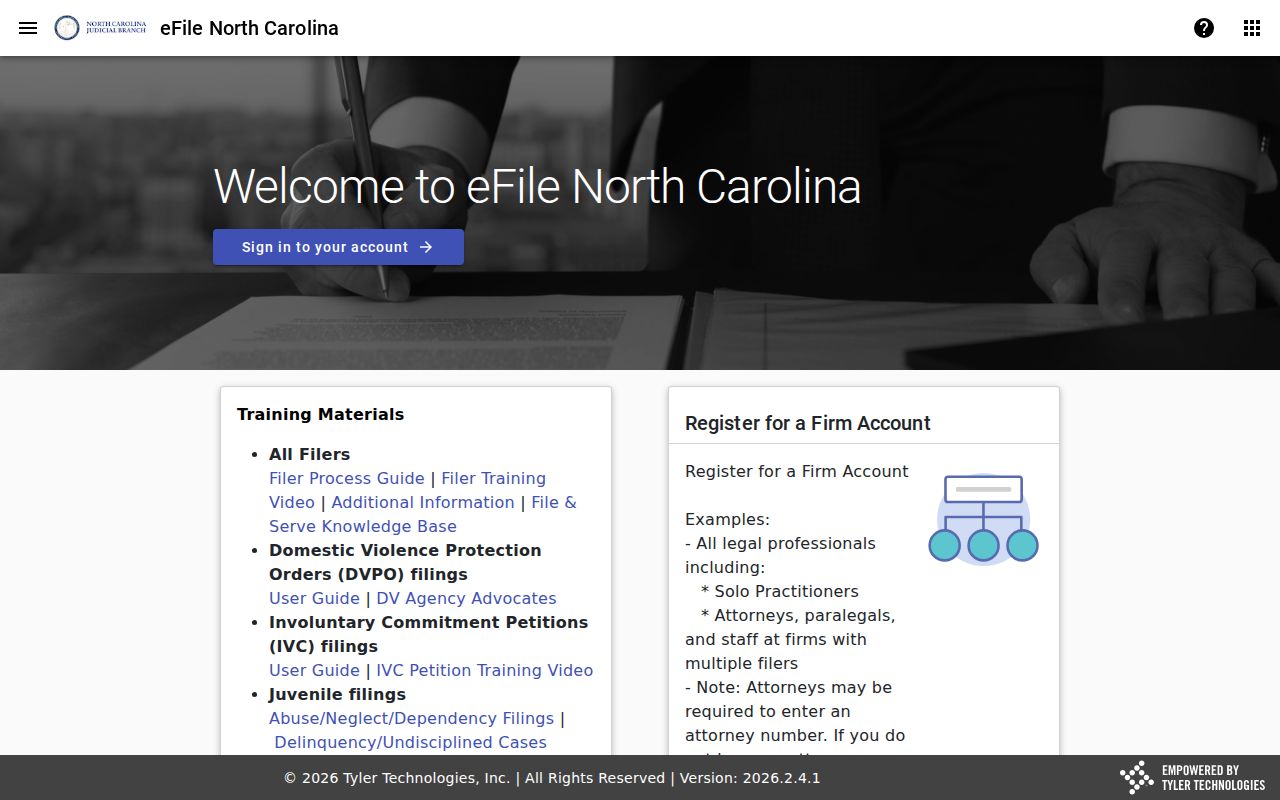
Once a public Macon County court file is available, go back to Portal Smart Search. File & Serve is no substitute for the Case Summary.
Macon Case Search Account Access
You do not need to register to run an anonymous public Macon County case search. A voluntary Macon Portal account lets you save cases through My Cases. It unlocks nothing extra in the public record. Elevated access goes only to users with a verified statutory business need. That tier is separate from ordinary Macon searching. It is separate again from eCourts File & Serve registration.
A public record may not surface in an ordinary Portal search. An account will not fix it. The Macon Clerk, the public terminal, and the paper-file route remain the channels for asking about a restricted or incomplete court record.
Which Cases Stay Restricted
Public Macon Portal access has legal limits. Juvenile records, unreturned criminal warrants, and protective-order material are examples named in current AOC guidance. Certain domestic matters may never appear in a web search. A sealed file, protected personal information, or an expunged matter can also narrow what a Macon County docket search shows.
G.S. 7A-109 directs clerks to keep dockets, files, and indexes open to inspection unless a law says otherwise. Under G.S. 7B-3000, juvenile records stay restricted. A Macon record can be missing online. The clerk can point to the public-access route, though not offer legal advice.
Macon Docket Search at Clerk
When public web access stops short, go to the Macon Clerk of Superior Court. State court-record guidance confirms public self-service terminals in clerk offices. It also confirms paper-file access in the county where the case sits. The courthouse sits at 5 W Main St, Franklin, NC 28734. The statewide court listing posts weekday hours of 8:00 a.m. to 5:00 p.m. Call ahead for a records question or a long inspection.
The clerk holds the official Macon case file. The Portal is not the official court record. The NCAOC public-record request form does not route requests for Macon case documents. Bring a Macon County docket number. Bring a party name. Bring the exact document or event you need. With those details, the clerk can find the right file fast.
G.S. 7A-109 sets out the clerk's statutory duty to maintain the Macon docket, file, and index.
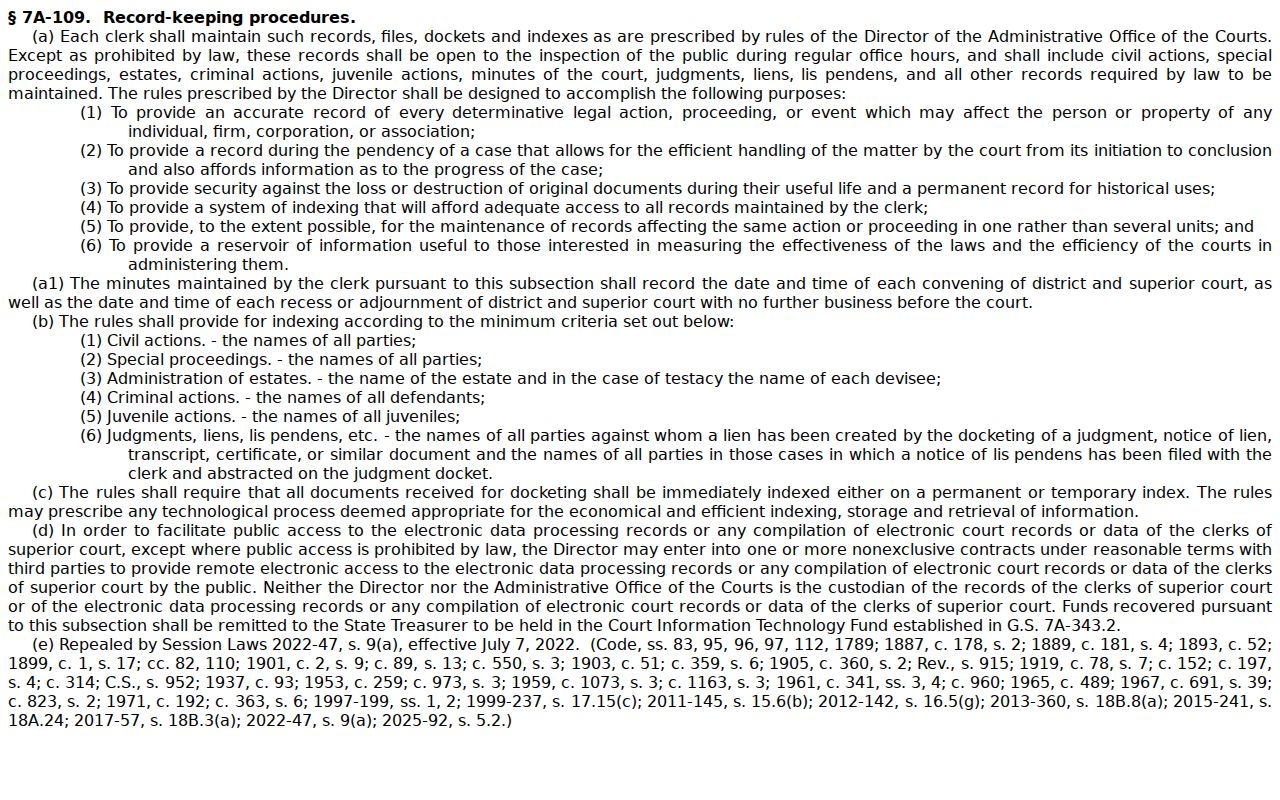
One statute backs your right to look at court records that the law leaves open. The clerk stays the local source for an official Macon court file.