
Macon County Criminal Docket Searches
The free public route into a Macon criminal docket runs through the North Carolina eCourts Portal. Open Smart Search there. Setting the optional Location filter to Macon narrows the field. Choosing Criminal Actions helps when the case type matters. A match opens a Case Summary, sometimes called a Register of Actions. There, Macon hearings, case events, dispositions, and financial details may all appear. The Macon County Clerk of Superior Court keeps the actual criminal file behind it.
A full Macon case number is the cleanest entry point. No number? A party search works instead, though Macon Portal searching offers no charge or offense filter. For a current Macon court date, Search Hearings is the better tool. It targets hearings rather than file history. Anyone can search public Macon material anonymously. A Portal account saves cases but adds nothing to ordinary public access.
- Open Portal Smart Search and enter a complete Macon case number or a party name.
- Use Advanced Filtering Options to choose Macon and, when useful, Criminal Actions.
- Open the public Case Summary and read Case Events, Hearings, Dispositions, and applicable Financial Information in context.
- Run Search Hearings for a current Macon setting instead of relying only on an older event line.
- Call the Macon criminal clerk or use the courthouse terminal when the online result is absent, restricted, or unclear.
Note: The Portal covers public Macon criminal docket access, but the clerk holds the official case file and certifies copies.
Macon Criminal Search Limits
Macon criminal searching works by case or party. It does not work by alleged charge. Portal supports case number, party name, citation number, business name, attorney name, attorney bar number, case cross-reference number, and nickname as published Smart Search types. The separate party-search criteria can narrow results. So the plain case-number or party-name route is usually the safer first try. A name search also leaves victims out of the return set.
A Macon number follows the Enterprise Justice pattern: a two-digit year, case-type letters, a six-digit sequence, a dash, and a three-digit county identifier. Macon's identifier is 550. Something like YYCR######-550 illustrates the Macon format; it is not a live case. Know only part of a number? The published wildcard rule requires at least four characters followed by an asterisk.
An empty Macon result means the terms were incomplete, the record is restricted, the matter has not reached the public view, or a legacy entry needs local clarification. It does not prove no court file exists. The sensible next step is the clerk. Don't guess what the blank screen means.
Criminal Dockets: What They Show
A public Macon Criminal Case Summary can organize the record into Case Information, Assignment Information, Party Information, Case Events, Hearings, Dispositions, and Financial Information when applicable. Those fields mirror how the AOC documents the public court record. They promise nothing more. No Macon case is guaranteed to show a particular judge label, document image, event code, balance, or local charge description. It may show none of those.
| Case number | The Portal identifier, which may follow a Macon pattern such as YYCR######-550. |
|---|---|
| Case and assignment information | Published case-identifying and assignment-level information, subject to public-access limits. |
| Party information | Public party information. Portal search returns do not include victims. |
| Case events | The chronological Macon record of filings, hearings, orders, or other recorded actions. |
| Hearings and dispositions | Historical hearing entries and outcome information; Search Hearings is the route for a current setting. |
| Documents and financials | Public documents and financial information when available. Neither is a clerk-certified record. |
Read Macon criminal docket entries as a timeline. A hearing listed among Macon case events may be historical, while the Search Hearings tool returns current Macon calendar information. Public Macon documents can be viewed or printed through Portal with no Portal fee when available. Restricted material stays outside ordinary public access.
Macon Criminal Case Numbers
A Macon criminal docket number beats a courtroom number or calendar label. Smart Search recognizes the case by it. The AOC describes the Enterprise Justice format but publishes no full Macon dictionary of case-type letters or event codes. Copy an existing Macon notice exactly. Keep the letters, the dash, and the county suffix intact. Resist swapping in a familiar older format.
- Case Summary / Register of Actions
- The Portal view of the public Macon case record and its chronological information.
- Case Event
- A dated item in the record timeline, such as a filing, hearing, order, or disposition.
- Hearing
- A scheduled court event. Macon Search Hearings is designed to find the current location and time.
- Disposition
- Recorded outcome or status information. It is not a promise that every final document is public online.
Older Macon entries converted when the county joined eCourts can show a midnight timestamp. That is a conversion artifact for historic events, not the original time of a Macon hearing.
Note: A midnight timestamp on a historic Macon event needs confirmation from a current hearing result, calendar, or clerk record.
Criminal Case Stages on the Docket
A Macon criminal docket can reflect several court stages. The sequence depends on the case. An initiating process or charging paper may come first. It may be followed by an initial appearance, conditions of release, and District Court activity. An applicable felony can then move through a probable-cause or indictment path. Superior Court entries may later show arraignment, pretrial work, calendar settings, a plea or trial, and disposition or sentencing activity.
Docket flow: Filing → Arraignment → Pretrial → Plea or Trial → Disposition → Sentencing
For Macon felonies, early District Court procedure and later Superior Court activity can sit in the same Macon clerk system. So review the full public Macon Case Summary rather than assuming an early setting ends the case. An appeal or post-disposition filing can add later Macon events too.
Macon Criminal Calendar Calls
Macon's criminal calendar tells you when a session happens. It cannot promise when your case will be called. District Court criminal sessions start at 9:30 a.m. Courtroom doors open no later than 8:45 a.m. under the current criminal rules. Those same local rules say plainly that District Court holds no calendar call. Judges and courts may take cases in whatever order suits the morning. So a listing on the docket is a setting to attend, not a prediction of your wait.
Before you rely on any Macon court date, confirm it three ways: Search Hearings, the criminal calendar, and the courtroom or clerk. The official Macon criminal-calendar route is a separate calendar interface from the Portal. Check both rather than treating one as final.
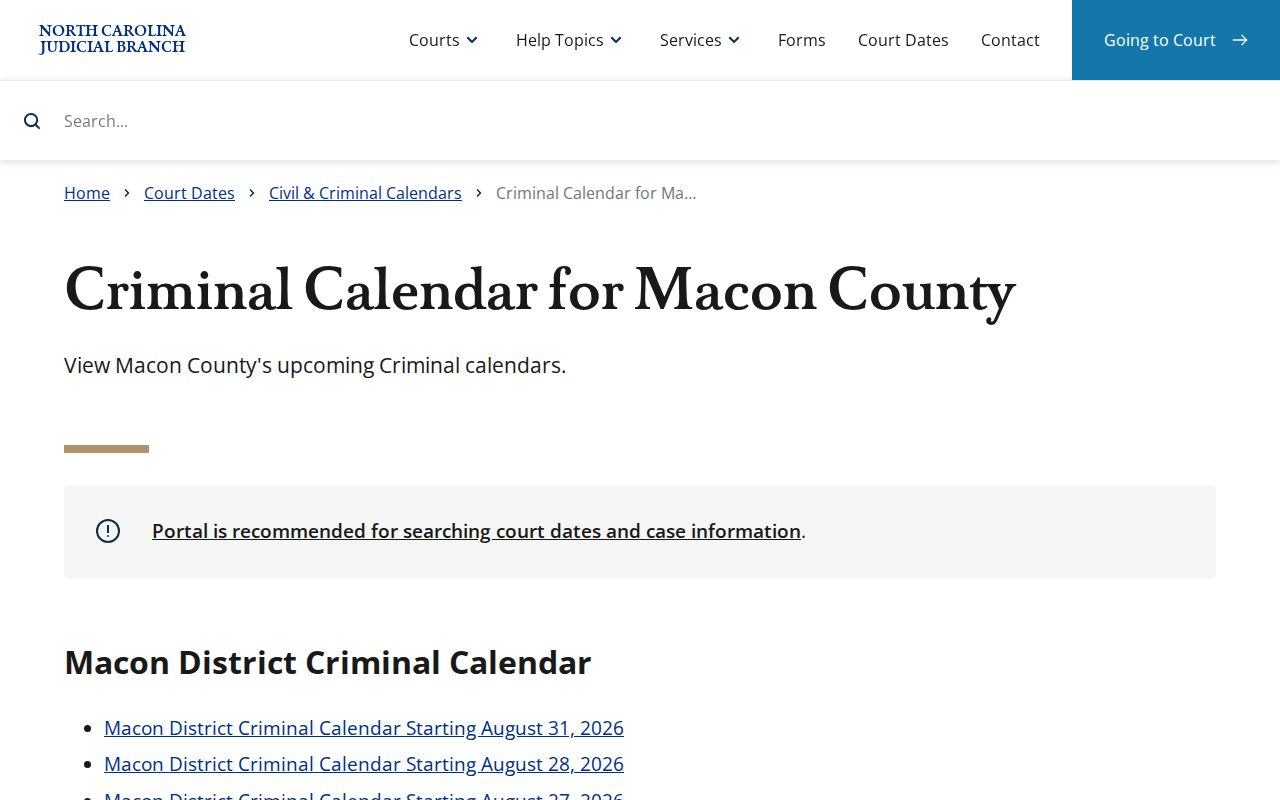
The calendar you just saw comes from the official Macon criminal-calendar route. Use it for session context. Then run a live, case-specific check in Search Hearings before acting on any Macon criminal docket date.
Note: A Macon criminal calendar date can move. If the Portal and the calendar disagree, call the clerk or the courtroom.
Macon County Criminal Docket Courts
Criminal work in Macon County spans several court levels, but one clerk keeps the records. Superior Court District 43A tries felonies. District Court District 43 takes misdemeanors, infractions, and traffic matters, along with any applicable felony preliminary or probable-cause business. Macon magistrates, working as District Court officers, handle initial appearances, conditions of release, warrants, and certain minor matters.
Every one of those Macon criminal records routes through the Clerk of Superior Court office and the statewide Portal. Knowing the court level helps you read what stage a docket entry reflects. It does not send you to a different Macon courthouse or a separate Macon clerk search. Current labels are District 43 and Superior 43A; older local material may still carry pre-2024 district labels.
Macon Criminal Clerk Routes
Take case-specific record questions to the Macon criminal desk. Same goes for public-file follow-ups. If the Portal cannot resolve an access problem, that desk is also your route. Call the magistrate line only when the question involves a magistrate matter. For court-file inspection, public terminals, prepared copies, certifications, and any record outside ordinary public Portal access, the Macon clerk handles it.
Macon Criminal Clerk
Clerk of Superior Court
5 W Main St
Franklin, NC 28734
Criminal: (828) 349-7202
Main clerk: (828) 349-7200
Macon Magistrates
Macon County Courthouse
Magistrate matters and preliminary criminal process
(828) 349-7219
Copies cost money. The statutory prepared-copy rate is $2 for the first page of a document. Each additional page runs $0.25. A certificate under seal runs $3, and an exemplification is $10. Macon publishes no local criminal-document turnaround. So confirm the request method and timing with the clerk before you depend on a copy arriving by a certain day.
Note: With no published turnaround, the criminal desk should confirm processing details. Confirm them for each requested record.
Access Rules for Criminal Dockets
Public access to a Macon criminal docket is broad but has edges. G.S. 7A-109 directs clerks to keep dockets, files, and indexes open to public inspection during regular office hours unless another law says otherwise. The Portal supplies an online public route. The Macon clerk still holds the official case file, and a courthouse terminal can fill gaps when an online result looks thin.
Some material stays hidden. The AOC names unreturned criminal warrants, juvenile records, and protective-order material as examples that may not display to the public. Personal identifiers can be protected or redacted. Remember what an empty result means. A blank Macon Portal search is not a finding that a person has no court record. A public result does not make every document in the file public.
Restricted access: Juvenile records are confidential under G.S. 7B-3000. Eligible dismissed or not-guilty matters may be expunged under G.S. 15A-146. Ask the Macon clerk about the public-access route for a specific file, but do not expect restricted material through an ordinary Portal search.
Macon Criminal Portal Conversion
Macon joined the western North Carolina eCourts rollout on July 22, 2024. That brought Enterprise Justice, File & Serve, and the public Portal to Macon, making Portal the statewide search route for public criminal records. The rollout has since covered every county. Still, a Macon record created before the conversion can demand careful reading.
For current local docketing and continuance materials, the Macon local rules and forms page is the official source. Check the effective date on any rule or calendar before treating it as current. That official page carries the rules themselves. That is why a live case search should always sit alongside it when you work a Macon criminal docket.
Old Macon criminal records carry a quirk. A pre-conversion event may show a 12:00 a.m. time, and that is a conversion artifact, not a hearing time. Confirm the real event through the Case Summary, the current calendar, or the clerk.